Strategies
A strategy is how the reverse-proxy plugin behaves while Sablier is starting the instances for a session. Sablier offers three: the dynamic strategy shows a self-refreshing waiting page, the blocking strategy holds the request open until everything is ready, and the poke strategy starts instances and lets the request through without waiting. Which one fits depends on who (or what) is making the request.
Dynamic strategy
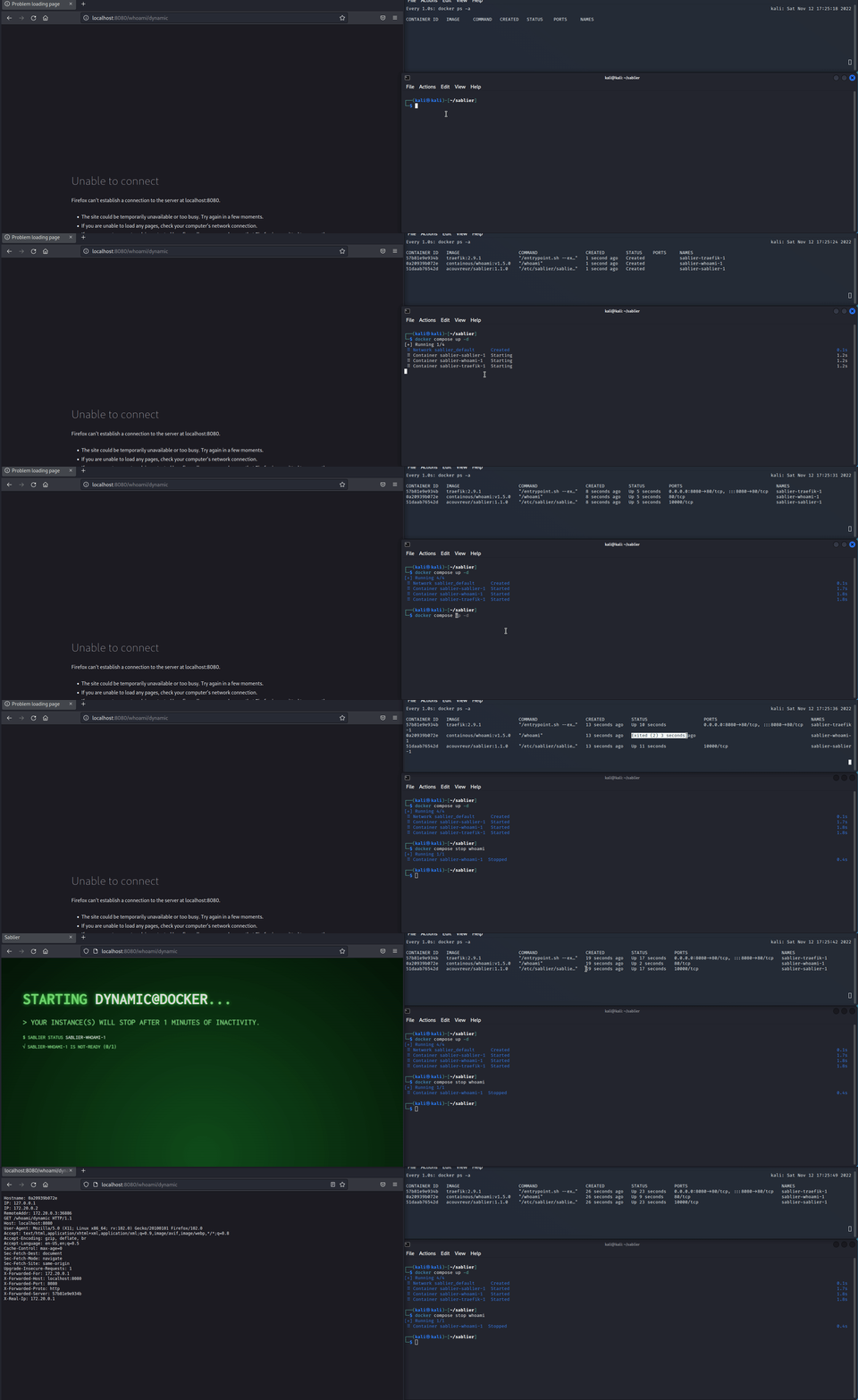
The dynamic strategy displays a waiting page while your session starts. The page refreshes itself until the instances report ready, then loads the real content.
    sequenceDiagram
    participant User
    participant Proxy
    participant Sablier
    participant Provider
    User->>Proxy: Website Request
    Proxy->>Sablier: Reverse Proxy Plugin Request Session Status
    Sablier->>Provider: Request Instance Status
    Provider-->>Sablier: Response Instance Status
    Sablier-->>Proxy: Returns the X-Sablier-Status Header
    alt X-Sablier-Status value is not-ready
        Proxy-->>User: Serve the waiting page
        loop until X-Sablier-Status value is ready
            User->>Proxy: Self-Reload Waiting Page
            Proxy->>Sablier: Reverse Proxy Plugin Request Session Status
            Sablier->>Provider: Request Instance Status
            Provider-->>Sablier: Response Instance Status
            Sablier-->>Proxy: Returns the X-Sablier-Status Header
            Proxy-->>User: Serve the waiting page
        end
    end
    Proxy-->>User: Content
The waiting page is rendered from a theme; use a built-in one or provide your own. To set up the dynamic strategy on a route, see Show a waiting page.
Poke strategy
The poke strategy starts the requested instances and returns the real session status immediately — no waiting page, no blocking. The reverse proxy plugin is free to pass the request through regardless of the status, or show a waiting page, or redirect. It is up to the consumer to decide how to handle the response.
Instances with the sablier.ready-on-start=true label are treated as ready as soon as the start is dispatched, even with the dynamic or blocking strategy. See the Label reference for details.
To set up the poke strategy on a route, see Start without waiting.
    sequenceDiagram
    participant User
    participant Proxy
    participant Sablier
    participant Provider
    User->>Proxy: Website Request
    Proxy->>Sablier: Reverse Proxy Plugin Request Session (poke)
    Sablier->>Provider: Start Instance (async)
    Sablier-->>Proxy: Returns the X-Sablier-Session-Status Header
    Proxy-->>User: Content
Blocking strategy
The blocking strategy holds the request until your session is ready. Nothing is served to the caller until Sablier reports the instances ready (or the wait times out), at which point the original request is forwarded.
    sequenceDiagram
    participant User
    participant Proxy
    participant Sablier
    participant Provider
    User->>Proxy: Website Request
    Proxy->>Sablier: Reverse Proxy Plugin Request Session (blocking)
    loop until the instance is ready (or timeout)
        Sablier->>Provider: Request Instance Status
        Provider-->>Sablier: Response Instance Status
    end
    Sablier-->>Proxy: Session ready
    Proxy->>Provider: Forward the original request
    Proxy-->>User: Content
To set up the blocking strategy on a route, see Block until ready.
Choosing a strategy
- Reach for the dynamic strategy when a human is browsing directly. A themed waiting page is friendlier than a request that appears to hang, and it survives long start-up times without hitting client timeouts.
- Reach for the blocking strategy when the caller is another program (an API client, a webhook, a health probe) that simply expects to wait for a response and would not know what to do with an HTML waiting page.
- Reach for the poke strategy when you want instances started but don’t need them healthy before serving traffic — background workers, sidecar caches, companion processes the caller doesn’t depend on.